
IMPORTANT: CICB is designed to communicate efficiently between clients and servers, and the number of screens does not materially change the communication model.
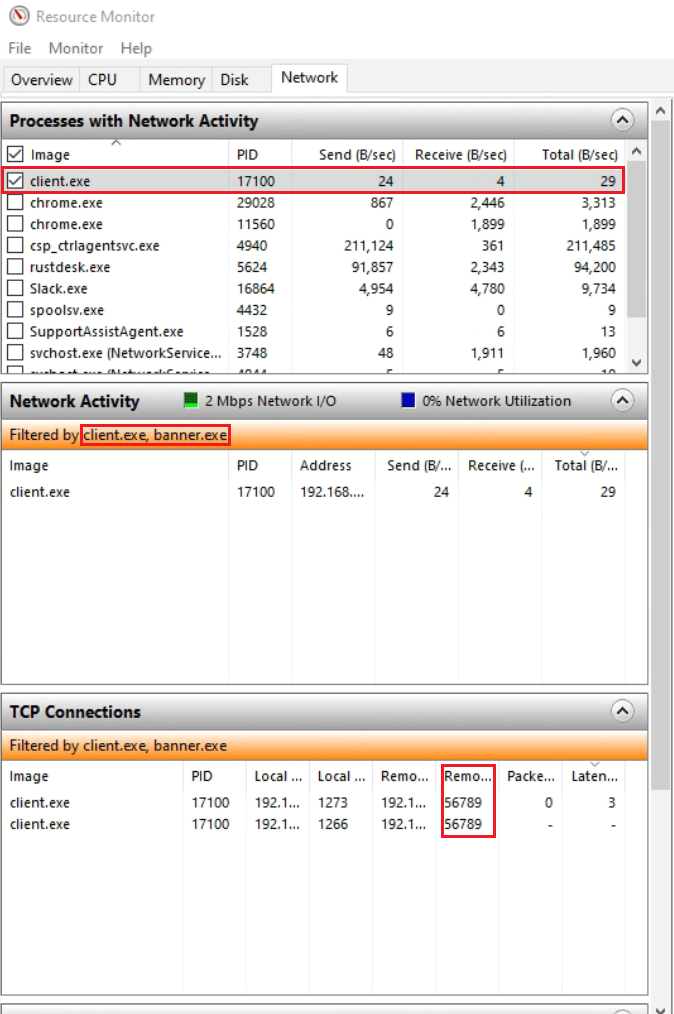
The CICB client does not upload user files or workstation content to the server. The server-side metadata exchanged for management and banner coordination is limited to operational information such as device identity, user or domain context, operating system details, IP address, and assigned setting group.
Current Communication Summary
| From | To | Mode | Protocol | Protection |
|---|---|---|---|---|
| Server | Portal | Active | HTTPS API | HTTPS plus encrypted credential flow |
| Server | Client | Server-side listener / client-initiated session | Secure WebSocket | TLS 1.2+ |
| Server | Active Directory / LDAP | Active | LDAP / LDAPS | Standard LDAP transport with certificate validation according to configuration |
| Client | Server | Active | Secure WebSocket | TLS 1.2+ |
| Client | Banner | Local | Local IPC / local control path | Local machine only |
| Banner | Client | Local | Local IPC / local control path | Local machine only |
| CCM | Client / Server workflow | Local / managed deployment | Local configuration and admin workflow | Depends on deployment path |
Portal integration uses HTTPS APIs. CICB encrypts portal credentials before transmission using the currently implemented portal authentication flow in the server.
DISCLAIMER: These protections are intended for CICB component communication and screen-classification management. Organizations should continue using their broader enterprise security stack for external communications, remote access, and general-purpose data protection.