
Cyber Intel Classification Banner
CICB CUI Banner Software for Windows
Keep an organization-approved handling context visible across supported Windows desktops without confusing an endpoint banner with document marking, authorization, or certification.
- Platform
- Windows endpoints
- Display
- Top, bottom, multi-monitor
- Deployment
- Connected or isolated LAN
Endpoint Awareness
What CUI banner software does
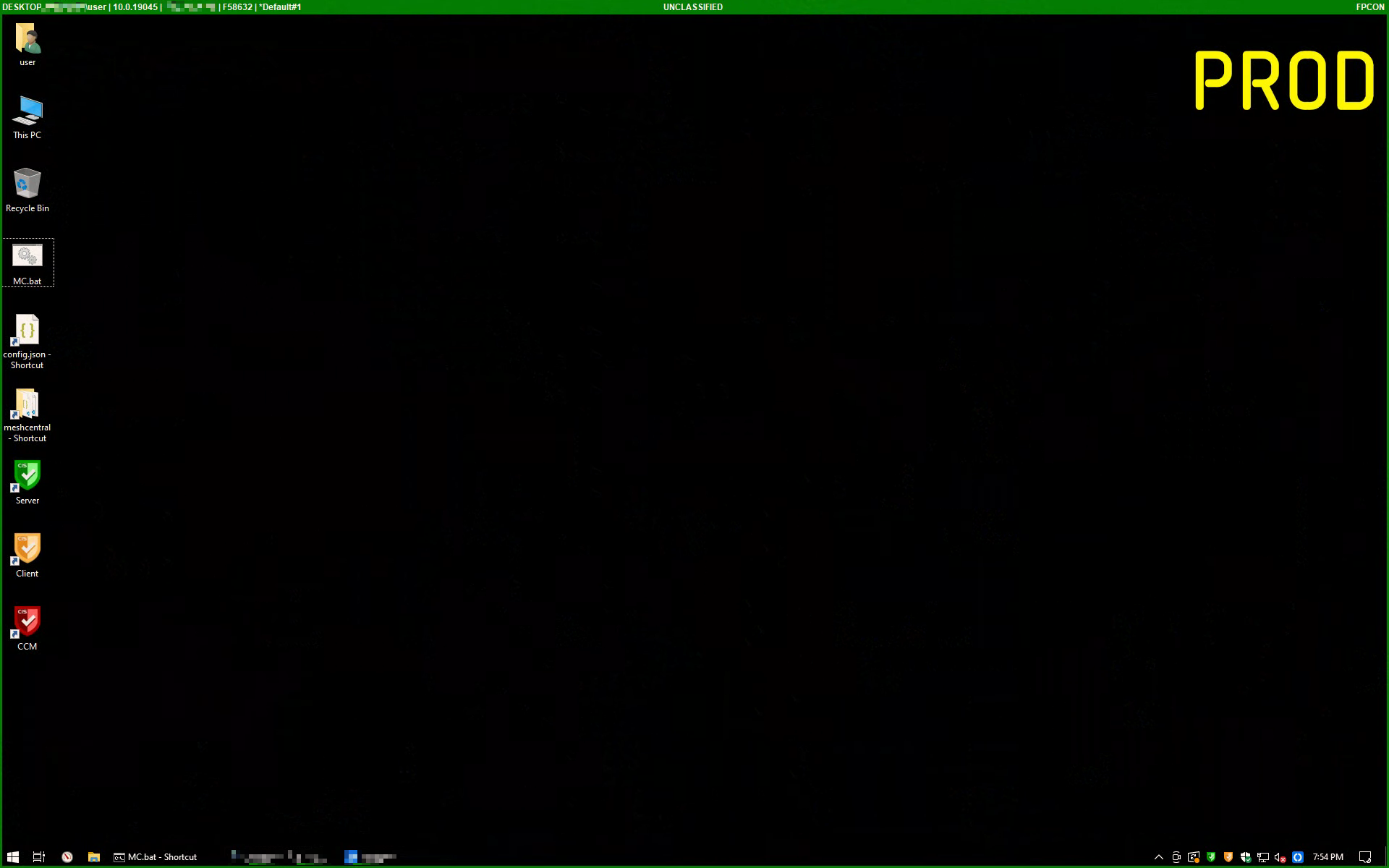
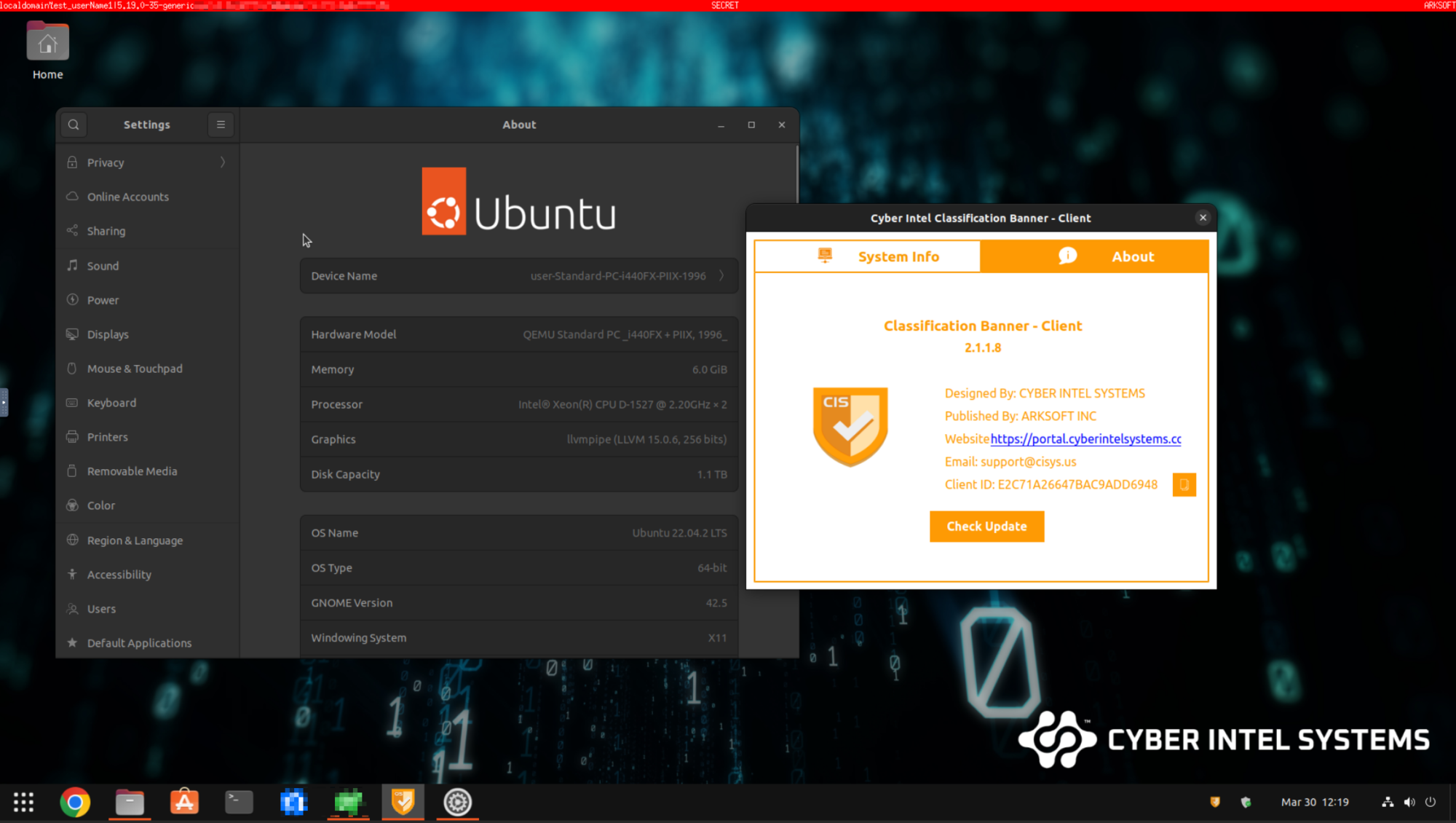
CICB displays a persistent visual banner at the top and bottom of supported Windows desktops. It helps authorized users recognize the handling context selected by their organization while they work across applications and displays.
- Keeps approved text and color values visible across managed endpoints.
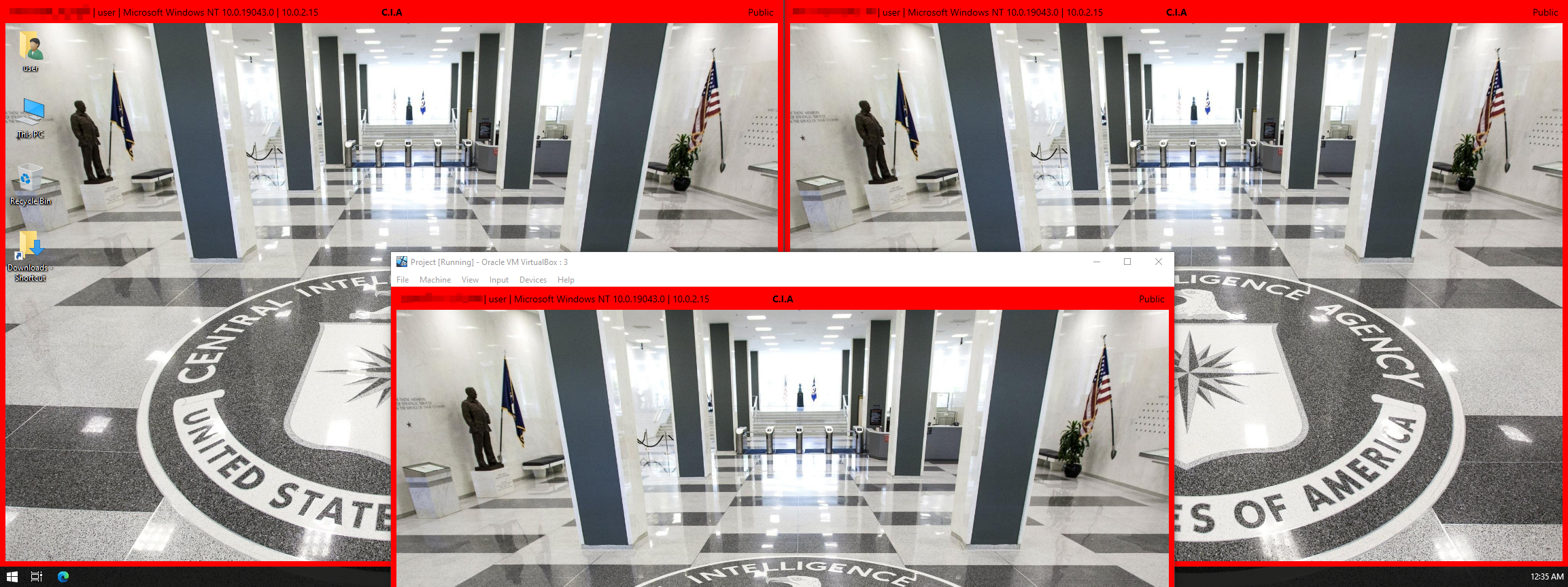
- Supports top, bottom, docking, topmost, and multi-monitor display scenarios.
- Provides a supplemental visual cue for CUI and other organization-defined handling environments.
- Leaves information ownership, categorization, document marking, and access decisions with the responsible organization.
Scope Boundary
CUI banner software versus CUI document marking
An endpoint banner is a visual awareness control. It does not replace authoritative marking rules or the controls required to protect the information itself.
CICB can support
- Persistent awareness of an approved endpoint handling context
- Consistent visual communication across multiple displays
- Organization-controlled text, colors, placement, and deployment policy
- Evidence collection for the customer system security plan and RMF package
CICB does not replace
- Document banner lines, designation indicators, metadata, or portion marking
- The NARA CUI Registry or an information owner decision
- Dissemination controls, access restrictions, or approved marking workflows
- System authorization, independent assessment, or organization-specific policy
Controlled Unclassified Information is not classified national security information. The responsible authority must determine the applicable CUI category, marking, safeguards, and dissemination controls.
Buyer Evaluation
How to evaluate CUI banner software
Evaluate the product as one component inside a defined system boundary. Test normal operation and failure states, then retain evidence for the controls that matter to the deployment.
01
Display and failure behavior
- Multi-monitor coverage and top-and-bottom placement
- Startup, disconnect, stale configuration, and malformed-input behavior
- Administrative control of approved text and color values
02
Identity and deployment
- Unique user and device identity
- Role-based administration and credential lifecycle
- Connected and isolated-LAN deployment options
- Certificate validation, renewal, and revocation
03
Audit and supply chain
- Attributable security events and SIEM integration
- Signed installers and publisher verification
- SBOM, VEX, dependency policy, and vulnerability response
- Independent testing and validated cryptographic-module evidence where required
Deployment Choice
CICB deployment configurations
Choose the configuration that matches the approved architecture. The customer remains responsible for boundary controls, external-service authorization, and operational evidence.
Configuration A
Standard Connected Configuration
Supports approved Portal, updater, and support flows when the customer authorizes the external services, identities, certificates, and network paths. Buyers should document which connections are enabled and how they are monitored.
Configuration B
Air-Gapped Isolated LAN
Uses the compile-time Air-gap profile, a local-only support package, and offline update verification while retaining approved internal interfaces. Product controls alone do not prove that the host or network boundary has no egress; the operator must verify that boundary.
Evidence Snapshot
Current CICB release evidence
The current vendor evidence snapshot covers CICB 2.9.11.162. It is useful procurement and assessment input, but it must be evaluated within the customer system and kept current as the release changes.
- Dependencies
- Qt 6.10.3, OpenSSL 3.0.21, and FFmpeg 7.1.5
- Artifact identity
- Assessed installer and principal applications carry valid ARKSOFT INC Authenticode signatures
- Standard checks
- 12 Not a Finding, 7 Open, and 6 Not Reviewed
- Air-gap checks
- 22 Not a Finding, 7 Open, and 6 Not Reviewed
Vendor evidence snapshot: July 2026
Current Assurance Boundary
Evidence, not authorization
This vendor component evidence is not an ATO, not an official STIG approval, not a FIPS certificate, and not NIAP, NIAPC, Common Criteria, CMMC certification, or DoD Impact Level authorization.
The Mission Owner and Authorizing Official must assess CICB within the complete system boundary. Customer, shared, and operational-environment responsibilities remain in scope even when a product check is recorded as Not a Finding.
Read the public assurance summaryPolicy Context
Where a Windows endpoint banner fits into a CUI program
Organizations may use a visible endpoint banner alongside policies and controls mapped to 32 CFR Part 2002, NIST SP 800-171, DoDI 5200.48 where applicable, contractual requirements, and the system security plan. These sources do not certify a particular banner product.
CUI Basic, CUI Specified, and the Registry
CUI Basic follows the uniform controls in 32 CFR Part 2002 unless another authority adds specific requirements. CUI Specified is governed by a law, regulation, or government-wide policy that requires different or additional safeguards. The NARA CUI Registry identifies categories, authorities, approved markings, and dissemination controls.
Open the NARA CUI RegistryDesignation, banner lines, and portion marking
A marking workflow may include a CUI designation indicator, an overall banner line, portion marking when required, and applicable dissemination controls. Requirements vary for documents, email, web pages, forms, and other media. An endpoint display does not infer the category or apply those markings to content.
Security controls and procurement evidence
Buyers should verify identity, authorization, encryption, audit, update integrity, incident handling, configuration management, and evidence retention across the complete system. They should also define who may change the banner and what happens when a service, network, or policy source is unavailable.
Review compliance resourcesLegacy markings and FOUO migration
Legacy markings such as FOUO should not be carried into new content by default. Follow current CUI policy, the NARA CUI Registry, DoDI 5200.48 where applicable, and approved transition guidance. Only the responsible authority can approve marking and migration rules.
Review classification color referencesDeployment Checklist
Plan, test, and retain evidence
- 01
Identify the information owner and approved CUI marking policy.
- 02
Document the exact purpose of the endpoint banner.
- 03
Select the Standard Connected or Air-Gapped Isolated LAN configuration.
- 04
Define approved text, colors, placement, and failure behavior.
- 05
Validate identity, authorization, PKI, logging, ACL, and update responsibilities.
- 06
Install the signed candidate in a representative Windows test environment.
- 07
Test every supported monitor and relevant startup, offline, and failure state.
- 08
Attach results to the customer RMF package and POA&M.
Frequently Asked Questions
CUI banner software questions
Does NIST SP 800-171 require a specific CUI banner product?
No. Organizations must implement applicable requirements and document how their controls protect CUI. Product selection and visual banner use depend on the system boundary, contract, policy, and assessment.
Is a screen banner enough for CMMC compliance?
No. A banner can support awareness and handling context, but it does not replace the technical, administrative, physical, and evidence requirements assessed across the environment.
Can CICB operate on an isolated network?
CICB has an Air-Gapped Isolated LAN build profile. Deployment still requires default-deny boundary controls and operational network evidence.
Does CICB mark CUI documents?
No. CICB provides endpoint visual classification and information-labeling banners. Document and portion markings remain governed by approved tools, workflows, and authoritative policy.
Next Step
Evaluate CICB against your system boundary.
Review the current assurance evidence, confirm the appropriate deployment configuration, and use the Software Portal for authorized downloads and account access.